10 Ways to Work From Home in a Shared Room Without Annoying Anyone
Ten fixes for working from home in a room someone else is also in — directional sound, a visual boundary you can set up in a minute, call scheduling, and how to signal focus without saying anything.
Sharing a room while you work is mostly a negotiation problem wearing a furniture problem's clothes. Half of these ideas are about physically separating two people's requirements, and half are about making the separation legible so nobody has to keep asking. They're ordered by how quickly you can put them in place.
Short version: the three collisions in a shared room are sound, sightline, and calls. Solve sound with direction and level rather than volume, solve sightline with anything that breaks the line between two desks, and solve calls by agreeing a schedule rather than a rule. A visible focus signal — a light, a headphone convention — removes most of the remaining friction.
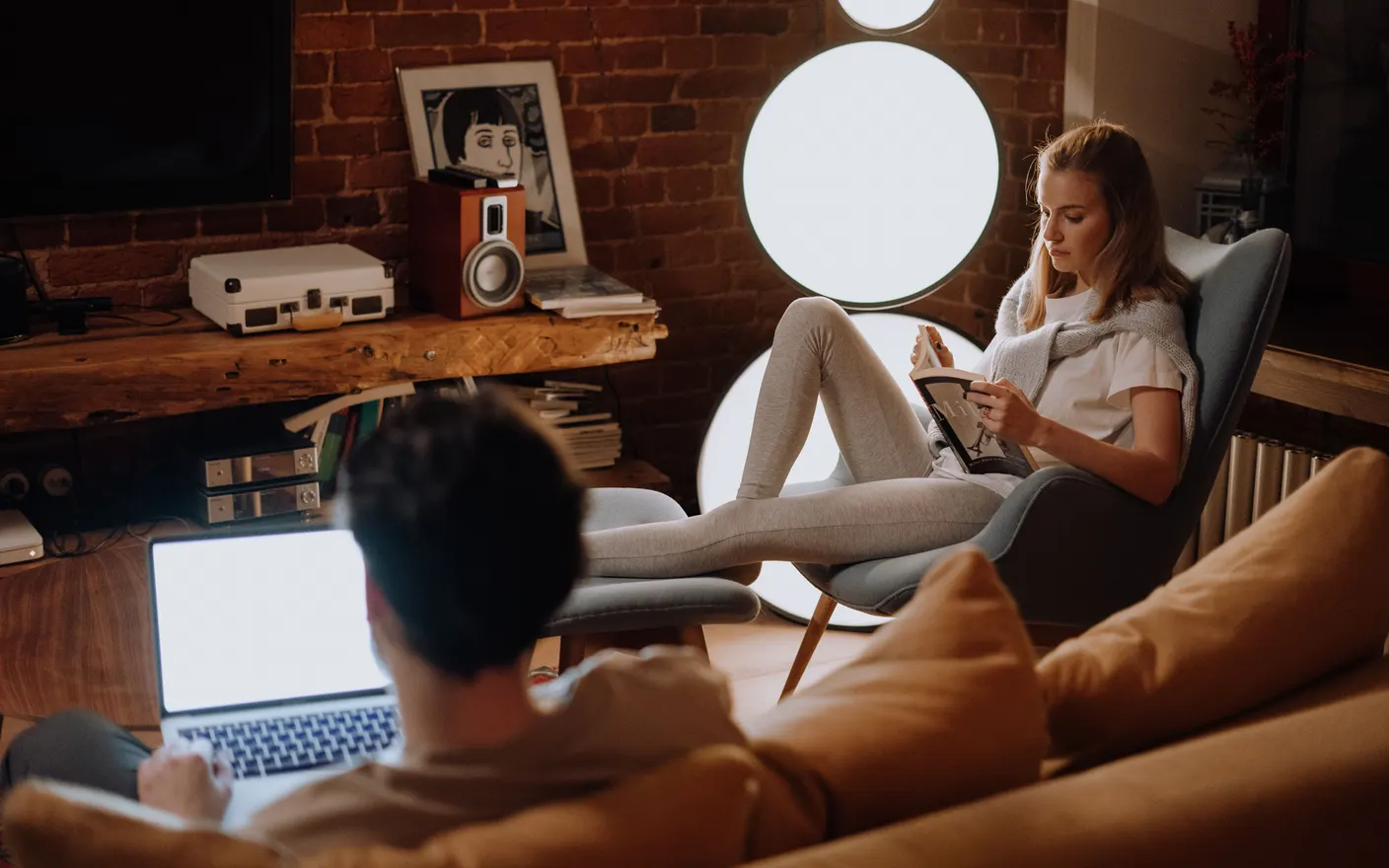
1. Face the desks away from each other — back-to-back beats side-by-side
Two desks facing the same wall put you in each other's peripheral vision all day, which is the arrangement most people default to because it's the tidiest. Back-to-back, or at 90°, removes the constant motion at the edge of your view without needing a divider. It costs nothing and takes ten minutes.
2. Agree a call schedule, not a call rule — block the two hours that actually matter
A blanket rule like "warn me before calls" fails because it needs enforcing every day. Marking two fixed blocks — say 10–11 and 3–4 — as the windows where either of you may be on a call, and keeping the rest call-free by default, turns it into a calendar problem. If two blocks turn out not to be enough, that's worth finding out from a week of the schedule rather than from an argument.
3. Use one shared ambient sound instead of two sets of headphones — it removes the silence you're both filling
When a room is silent, every keystroke and swallow is an event. A single low background layer — rain, café, room tone — at a level under normal speech masks that without either person wearing anything. Keep it around the volume of a fan: audible if you listen for it, invisible if you don't. This only works if you both pick it together.
4. Point the speaker at yourself, not into the room — direction beats volume
A speaker aimed at the wall behind your monitor and about 60 cm from you is far quieter at the other side of the room than one aimed outward, at the same perceived level for you. Most small speakers are noticeably more directional at higher frequencies — the range speech and detail sit in — so turning one away from the room takes the edge off what reaches the other desk without changing what you hear at all. Set your own level first, then ask them.
5. Put something 1.2 m tall between the desks — a plant or a shelf, not a wall
A divider only needs to break the seated sightline, which is about 1.1–1.3 m from the floor. A tall plant, an open shelf unit, or a folding screen does that while leaving the room feeling like one room. Open shelving is usually the best value because it also takes storage off both desks; a $40–80 unit does both jobs.
6. Switch to a headset with a boom mic — it stops you raising your voice
Laptop and earbud mics pick up the room, so people unconsciously speak louder to be heard over it. A boom mic sits 3–5 cm from your mouth and hears you clearly at conversational volume, which is the volume the other person in the room can live with. Usable headsets start around $40.
7. Set one visible focus signal — a lamp colour beats saying "I'm busy"
A small lamp that's red when you're in deep work or on a call and off otherwise removes the interruption that asks whether you can be interrupted. A $12 smart bulb tied to your calendar or a manual switch both work. The signal only matters if it's honest: if it's on all day it becomes wallpaper.
8. Take the 15-minute breaks in different rooms — shared space needs staggered exits
Two people breaking at the same time in the same room isn't a break for either. Offsetting by 20–30 minutes means each of you gets a stretch where the room is briefly yours. It's the closest thing to privacy a shared room can produce, and it costs nothing to arrange.
9. Give each screen a different background — it makes one room read as two workspaces
When two desks share a wall, the desks look like one installation. Two visibly different backgrounds — one calm forest, one rain on glass — is a surprisingly strong cue that these are two separate places, and it's the only personalisation that doesn't take floor space or impose on the other person. Tayu runs live scenes or a YouTube video as the desktop, with sound you can leave off when the room is shared.

Tayu — a healthy rhythm for desk work
10. Close the laptop at a fixed time — a shared room can't hold an open-ended workday
In a dedicated office you can leave work running and shut the door. In a shared room, an open laptop at 8pm is in someone else's evening. A fixed stop, and physically closing or covering the setup, is the version of a door that a shared room can have. Pick the time with the other person, not for yourself.
How to choose
- Sound is the main problem → speaker direction and a boom mic before anything else. Both are cheap and immediate.
- Distraction is the main problem → turn the desks, then add a 1.2 m divider.
- Interruptions are the main problem → a visible focus signal plus a fixed call schedule.
- It feels like one desk with two people → give the two screens different backgrounds and stagger the breaks.
A calmer live wallpaper for Mac
Tayu pairs 4K nature scenes with ambient sound, YouTube wallpapers, playlists, schedules, and AI scene switching for focused work and small breaks.