9 Ways to Light a Desk in a Dark Room Without Making It Feel Like an Office
Nine desk lighting fixes for a dark room — bias lighting behind the monitor, bounced light instead of direct, colour temperature that follows the clock, and what to do when there's no window at all.
A dark room isn't fixed by a brighter lamp. One strong light in a dark room produces a high-contrast pool that your eyes have to keep readjusting to every time you look away from the screen — which is part of what gets described as eye strain. The fix is usually more light sources at lower power, not fewer at higher.
Short version: aim for three light sources, not one — a bias light behind the monitor, a bounced ambient light in the room, and a task lamp on the desk. Check the desk against the office standard of 500 lux at the surface, and shift from around 4000K in the day to 2700K after sunset. If the room has no window at all, the missing piece is a changing light level through the day, not a brighter one.
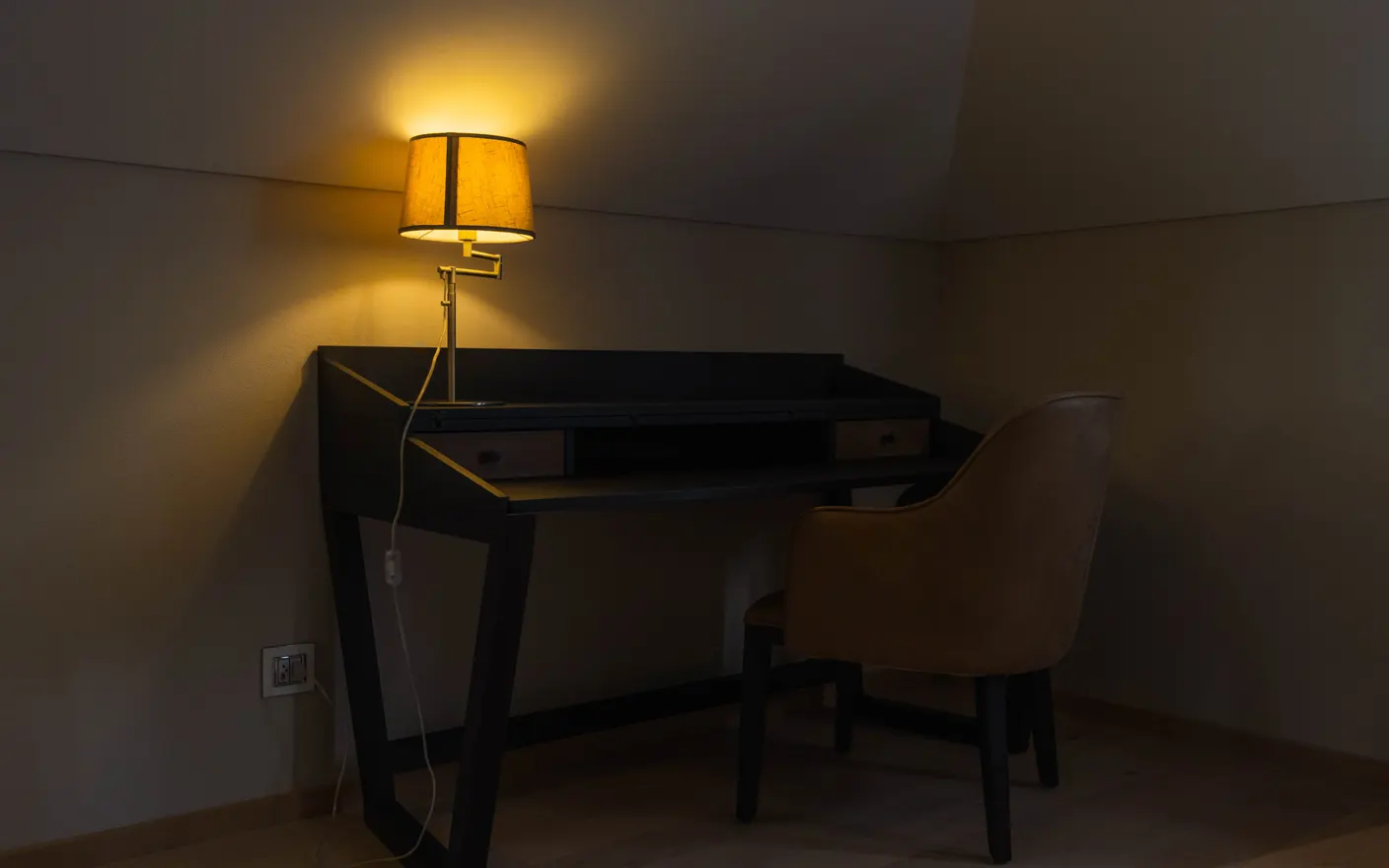
1. Put a bias light behind the monitor — it cuts the contrast your eyes fight all day
A dim light behind the screen raises the brightness of the wall it sits against, so the gap between the bright monitor and the dark surround shrinks. That gap is what forces constant pupil adjustment. A USB LED strip along the back edge of the monitor costs $10–20 and should be set to roughly 10% of the screen's brightness — noticeably dimmer than the screen, not matching it. Neutral white, around 6500K, keeps screen colours honest.
2. Bounce the main light off a wall or ceiling — direct light makes a dark room look darker
A lamp aimed at the ceiling or a pale wall turns that surface into a large, soft source, which lights the whole room instead of a circle of desk. Your eye judges a room's size by its visible edges, so lighting the walls is what makes a small dark room stop feeling like a cave. Any uplighter or a clip lamp turned to face the wall works; $15–30.
3. Check the desk against 500 lux — that's the office standard, and it's measured at the surface
The European standard for indoor workplace lighting, EN 12464-1, puts 500 lux on the task area for writing, typing, reading, and data processing — on the desk, not at the ceiling. Around 300 lux is the figure for less demanding tasks. Free phone light-meter apps get you within a useful margin of either. The number matters less than checking it once, because almost nobody has.
4. Use two lamps at half power instead of one at full — layering removes shadows
One light source produces one hard shadow, which is why single-lamp desks look like interrogation scenes at night. Two dimmer sources at different angles fill each other's shadows. Practically: one task lamp on the working side, one bounced light on the opposite side, both dimmable. Two $20 lamps beat one $60 lamp for this.
5. Put the task lamp on the opposite side to your writing hand — otherwise you light your own shadow
If you're right-handed and the lamp is on the right, your hand shadows whatever you write or read. Left side for right-handed, right side for left-handed. Obvious once said, and almost always wrong in practice because the lamp goes wherever the socket is.
6. Shift colour temperature on a schedule — 4000K by day, 2700K after sunset
Cooler light in the day and warmer light in the evening tracks what daylight does, and in a room with no daylight it's the only cue left. Smart bulbs that change temperature on a timer cost $12–20 each and do it without you deciding. Set the transition for around an hour before you want to stop working, so the room starts the shutdown before you do.
7. Drop the screen brightness to match the room — a 100% screen in a dark room is the actual glare source
In a dim room, the monitor is usually the brightest object by a wide margin. Turning it down until it looks like a lit page rather than a lamp removes most of the strain people blame on the room. Both macOS and Windows can do this automatically from ambient light on supported hardware; if yours doesn't, two manual presets are enough.
8. Light the wall behind you, not just the desk — it fixes how you look on camera too
A dark room with a lit desk makes video calls look like you're broadcasting from a bunker, because the camera sees a bright face against black. One low lamp lighting the wall behind you separates you from the background and costs nothing extra if you already added a bounced source. Keep it dimmer than the light on your face.
9. Give the room a light source that changes on its own — a moving scene on the screen is the cheapest one
The part a windowless room actually lacks isn't brightness, it's variation: light that moves and shifts over hours. It's not a small thing to be short of, either. A 2014 study compared 49 office workers — 27 with no window, 22 with one — and the windowless group reported worse sleep. On the wrist trackers, the people with windows picked up 173% more light during work hours and slept 46 minutes longer a night (Boubekri et al., Journal of Clinical Sleep Medicine). A screen won't give you any of that back — it isn't a window and there's no point pretending otherwise. What it can do is stop the room looking identical at 9am and 7pm, and it's the largest surface in the room you're allowed to change. A slow outdoor scene that tracks the time of day gives you a second, changing light source and a depth cue at the same time. Tayu moves its scenes and their ambient sound through the day on a schedule, so a room with no window still has a morning and an evening.

Tayu — a healthy rhythm for desk work
How to choose
- Your eyes hurt by mid-afternoon → bias light behind the monitor and lower screen brightness. Start there.
- The room feels smaller than it is → bounce light onto the walls; don't add desk brightness.
- You look bad on calls → light the wall behind you and put a source in front of your face.
- There's no window → what's missing is change over time, not lux. Schedule the bulbs and the screen.
A calmer live wallpaper for Mac
Tayu pairs 4K nature scenes with ambient sound, YouTube wallpapers, playlists, schedules, and AI scene switching for focused work and small breaks.