9 Ways to Take a Real Lunch Break When You Work From Home
Nine ways to stop eating at the desk — leaving the room, the 20-minute outdoor rule, making the break visible to colleagues, and putting a scheduled full-screen break over the work.
The office version of lunch had structure built in: you had to physically go somewhere, and other people went at the same time. At home there's no walk, no queue, and no visible signal that you've stopped, so the break collapses into eating over the keyboard while a document is still open. These are the parts that can be rebuilt deliberately.
Short version: a break registers when the location changes and the machine stops being available. Eat somewhere other than the desk, get 15–20 minutes of outdoor daylight if you can, which is the item on this list with the most behind it for afternoon alertness and sleep timing, and block the time on the calendar so it's visible to other people rather than defended by you.
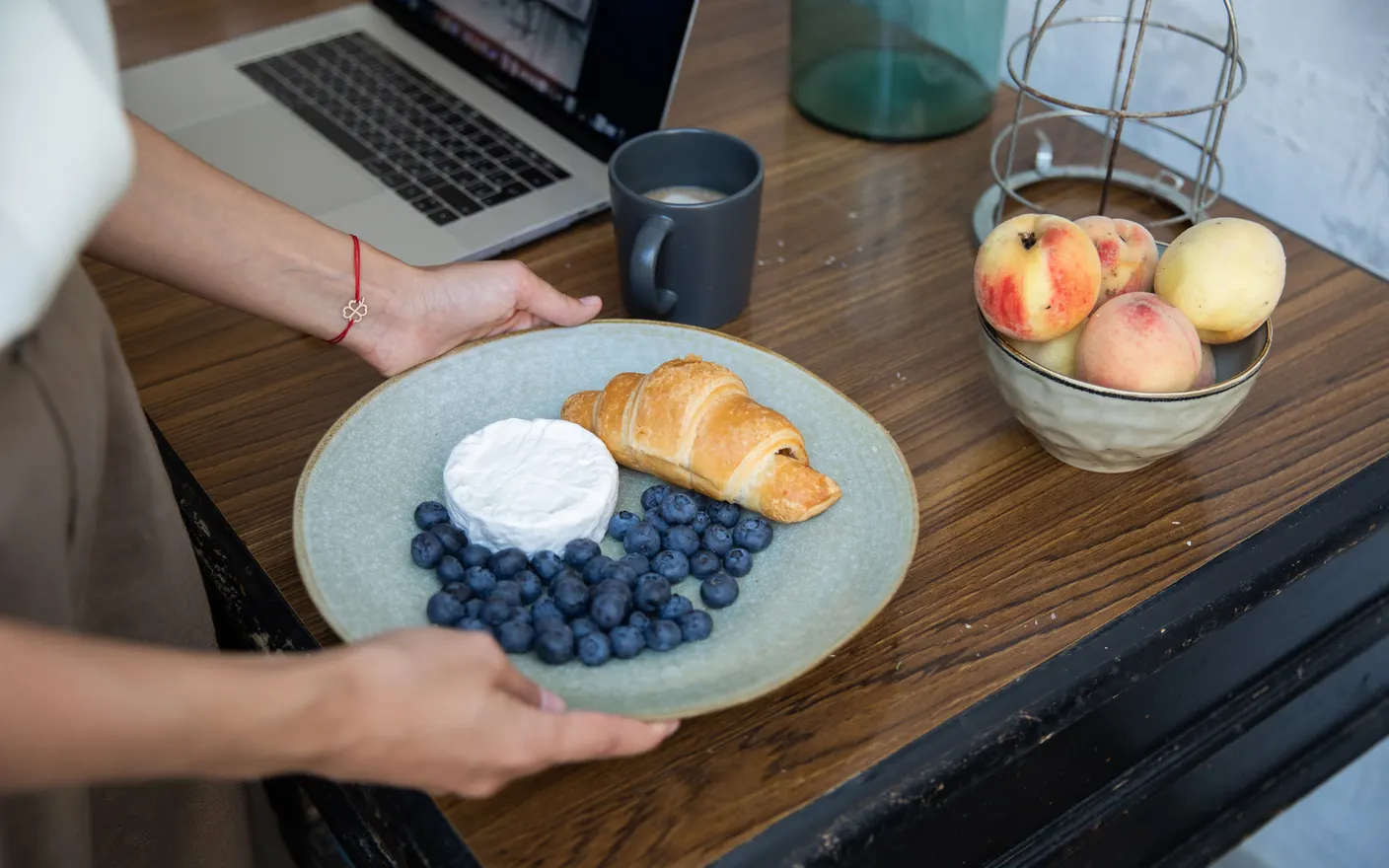
1. Eat in a different room — location change is what makes a break register
Eating at the desk keeps you in the same visual and postural context as work, which is why an hour there doesn't feel like an hour off. Moving to the kitchen table, the sofa, or a step outside is a bigger difference than the length of the break. If the flat has only one room, turning the chair to face the other way is a weaker but real version.
2. Get 15–20 minutes of outdoor daylight — outdoors is several times brighter than any lit room
Outdoor light on an overcast day is roughly 1,000–10,000 lux and direct sun is far higher again; a well-lit room is 300–500. That gap is why a walk around the block does something a bright office doesn't. Midday exposure supports both afternoon alertness and sleep timing that night. Twenty minutes is the usual recommendation, and even five is better than none.
3. Put the break on the shared calendar — make it a meeting other people can see
A break you defend by declining things gets eroded. A recurring 45-minute block labelled as busy gets scheduled around by default, because a calendar is the one signal remote colleagues see without being told. This costs one minute to set up and removes the daily negotiation entirely.
4. Cook something that needs 10 minutes of attention — the task is the point
The useful part of cooking at lunch isn't the food, it's ten minutes of a physical task with an obvious end that has nothing to do with the work problem. That's most of what a break is for. If cooking is a stressor rather than a break for you, the same logic applies to washing up, watering plants, or a short tidy.
5. Prep lunch the night before — the decision is what pushes people back to the desk
Most skipped lunches are decision fatigue, not time pressure: at 1pm, deciding what to eat is harder than continuing to work. Something ready in the fridge removes the branch point. This is the same reason people who cook dinner on Sunday actually eat it on Wednesday.
6. Set the status and close the laptop lid — half-open is not a break
A visible away status and a closed lid together do what leaving a building did: they make you unavailable and make it obvious. Leaving the laptop open with Slack visible means the break is conditional on nothing arriving, which means it isn't one. Set the status first, because that's the part other people see.
7. Take the break at a fixed time, not when there's a gap — gaps never arrive
Waiting for a natural pause means lunch happens at 3pm on the days it happens at all. A fixed time — the same 45 minutes daily — turns it into a constraint the rest of the day arranges itself around. Pick a time you're rarely in meetings and keep it for two weeks before judging whether it works.
8. Leave one thing unfinished on purpose — it makes restarting easier
Stopping mid-sentence or mid-function gives you an obvious re-entry point, which removes the ten minutes of "where was I" that makes people avoid breaking at all. Writers have used this deliberately for a century — Hemingway's advice was to stop while you still know what happens next. It's counterintuitive, and worth trying against your own habit of finishing cleanly.
9. Put the break on the screen itself — the software version of closing the lid
Closing the lid works because the work stops being visible, and on a desktop machine there is no lid to close. A scheduled overlay does the same job. Tayu brings a full-screen scene up over whatever is open at the time you set, so the half-written document stops asking to be finished while you eat and the break starts on its own rather than waiting for you to decide you've earned one — the decision that never gets made on a day that's going well.

Tayu — a healthy rhythm for desk work
How to choose
- You keep eating at the desk → change the room. Nothing else on this list matters as much.
- You're flat by 3pm → outdoor daylight at midday, 15–20 minutes.
- People book over your lunch → put it on the calendar as busy. Don't defend it manually.
- You skip it entirely → prep the food the night before and fix the time.
A calmer live wallpaper for Mac
Tayu pairs 4K nature scenes with ambient sound, YouTube wallpapers, playlists, schedules, and AI scene switching for focused work and small breaks.