8 Things to Put on a Second Monitor That Aren't More Work
Eight uses for a second monitor other than a second wall of windows — a live outdoor scene, a clock and calendar, system monitoring, a reference pane, and why leaving it half-empty is a legitimate choice.
The default use of a second monitor is more of the first one: another browser, another Slack, another spreadsheet. That's often a net loss, because a screen in your peripheral vision full of unread things is a standing invitation to switch. These are the alternative jobs a second screen can do, including doing very little.
Short version: a second monitor works best holding one thing that doesn't ask for a response. Good candidates are a reference document you're working from, a single dashboard, a clock and today's calendar, or a live outdoor scene. Bad candidates are chat, email, and anything with an unread count — those turn a second screen into a second inbox sitting permanently at the edge of your vision.
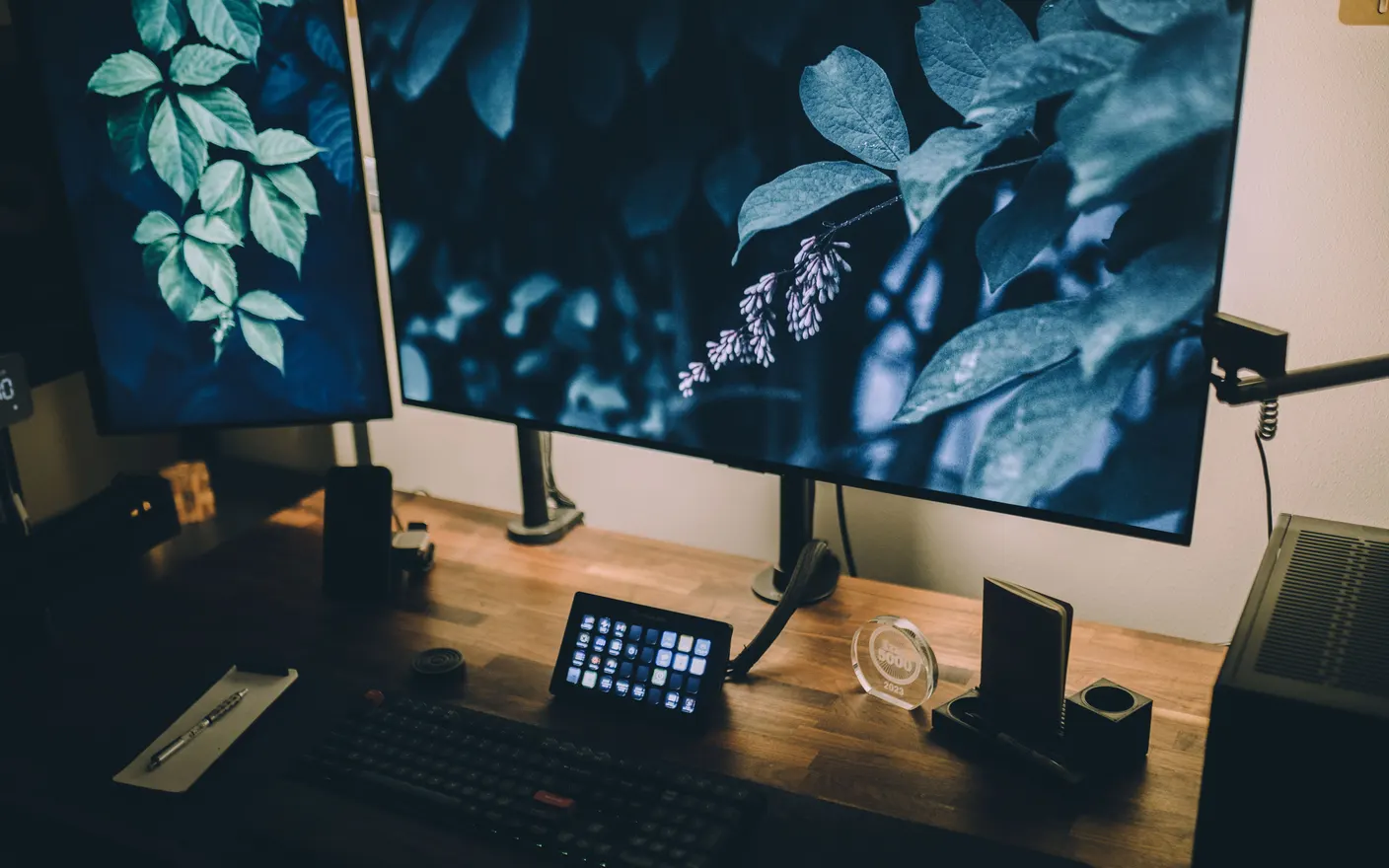
1. A live outdoor scene — the closest thing to a window a desk can have
A slow, moving scene — rain on glass, a forest, a harbour — gives a windowless or wall-facing desk a second sightline with real depth and motion, without adding anything that needs attention. It's also the only use here that improves the room rather than the workflow. There's a nice piece of research here, and it's worth being clear about how narrow it is: 150 students did a boring attention test, took a 40-second break to look at a picture of a city rooftop — half of them a flowering green roof, half bare concrete — then did the test again. The green-roof half made significantly fewer misses (Lee et al., Journal of Environmental Psychology). Note the size of that: a still photo, 40 seconds, as a deliberate break. Nobody has tested a wallpaper running all day, so it isn't evidence for one. If anything it argues the useful bit is looking away, which is a decent reason to put something on the second screen that's worth glancing at. Tayu runs a live scene or a YouTube video as the desktop with per-display control, so this screen can stay calm while the one you work on doesn't.

Tayu — a healthy rhythm for desk work
2. The document you're working from — reference, not output
The clearest productivity case for a second screen is holding the source while you work on the result: the spec, the transcript, the design, the data. It removes the alt-tab loop that costs a few seconds and a train of thought each time. Keep it to one document. Two reference documents and you're back to switching, just with more neck movement.
3. A clock, today's calendar, and nothing else — a time display you can't ignore
A full-screen clock with the next two calendar entries under it solves two problems at once: losing track of time in deep work, and the low-level checking of when the next meeting is. Several free apps do this; a browser tab in full screen works too. The rule is that it shows time and today only — a full week view becomes a planning surface and defeats it.
4. One dashboard, if you actually own the numbers — logs, sales, CI, uptime
A single always-on dashboard is genuinely useful when the numbers on it are ones you'd act on within the hour: a failing build, an incident, a queue depth. It's a waste when they're numbers you'd look at once a day, because then it's a slot machine. If refreshing it more often wouldn't change what you do, it belongs in a bookmark.
5. The video call window — so your main screen survives a meeting-heavy day
In a meeting-heavy day the call grid takes over the primary display and everything else gets buried. Moving video calls to the second monitor keeps your working screen intact across a six-call day. Put the call window near the top of that screen so your eyeline stays closer to the camera when you look at it.
6. System monitoring, but only in a vertical strip — CPU, network, battery
A narrow always-visible strip showing CPU, memory, network, and battery is useful if you run heavy builds or renders, because it tells you whether waiting is the right move. Keep it to a strip along one edge rather than a full screen of graphs; the value is a glance, not a study.
7. A single long-running task's output — the build log, the render, the transfer
Watching a progress bar on your main screen means not working; watching it in your periphery means you notice when it finishes without checking. This is a strong use for a second screen precisely because the content is unimportant until it changes. Close it when the task is done, or it silently becomes clutter.
8. Nothing at all — an empty screen is a legitimate configuration
If you've tried the others and the second monitor keeps filling with chat, the honest move is to leave it showing only the desktop, or to turn it off during focused blocks. It's a reversible experiment — try it for a week before deciding it's a downgrade. A second screen is worth having for the hours it earns its space, not all eight.
How to choose
- You work from source material → reference document. This is the strongest case for a second screen.
- You lose track of time → clock and today's calendar, nothing else.
- Your desk faces a wall → a live outdoor scene. It's the only option here that changes the room.
- You keep putting Slack there → turn it off during focus blocks. That's a real answer, not a failure.
A calmer live wallpaper for Mac
Tayu pairs 4K nature scenes with ambient sound, YouTube wallpapers, playlists, schedules, and AI scene switching for focused work and small breaks.