10 Things That Make a Hotel or Airbnb Desk Actually Workable
Ten fixes for working from a hotel room or an Airbnb — laptop height, the light that sits in the wrong place, the chair problem, tethering reliability, and how to make an unfamiliar room feel like the desk you left.
Hotel desks are designed for signing a form, not for eight hours. They're too low or too high, the chair has no support, the light is behind you, and the wifi is fine until it isn't. Most of this is fixable with what's already in the room plus about 600 g of things worth packing.
Short version: the two problems that cause real pain are laptop height and the chair. Raise the screen roughly 12–15 cm on whatever the room has and bring a compact keyboard, and use a rolled towel behind your lower back. Then fix the light — a hotel room is usually lit from behind — and have a tethering fallback tested before you need it.
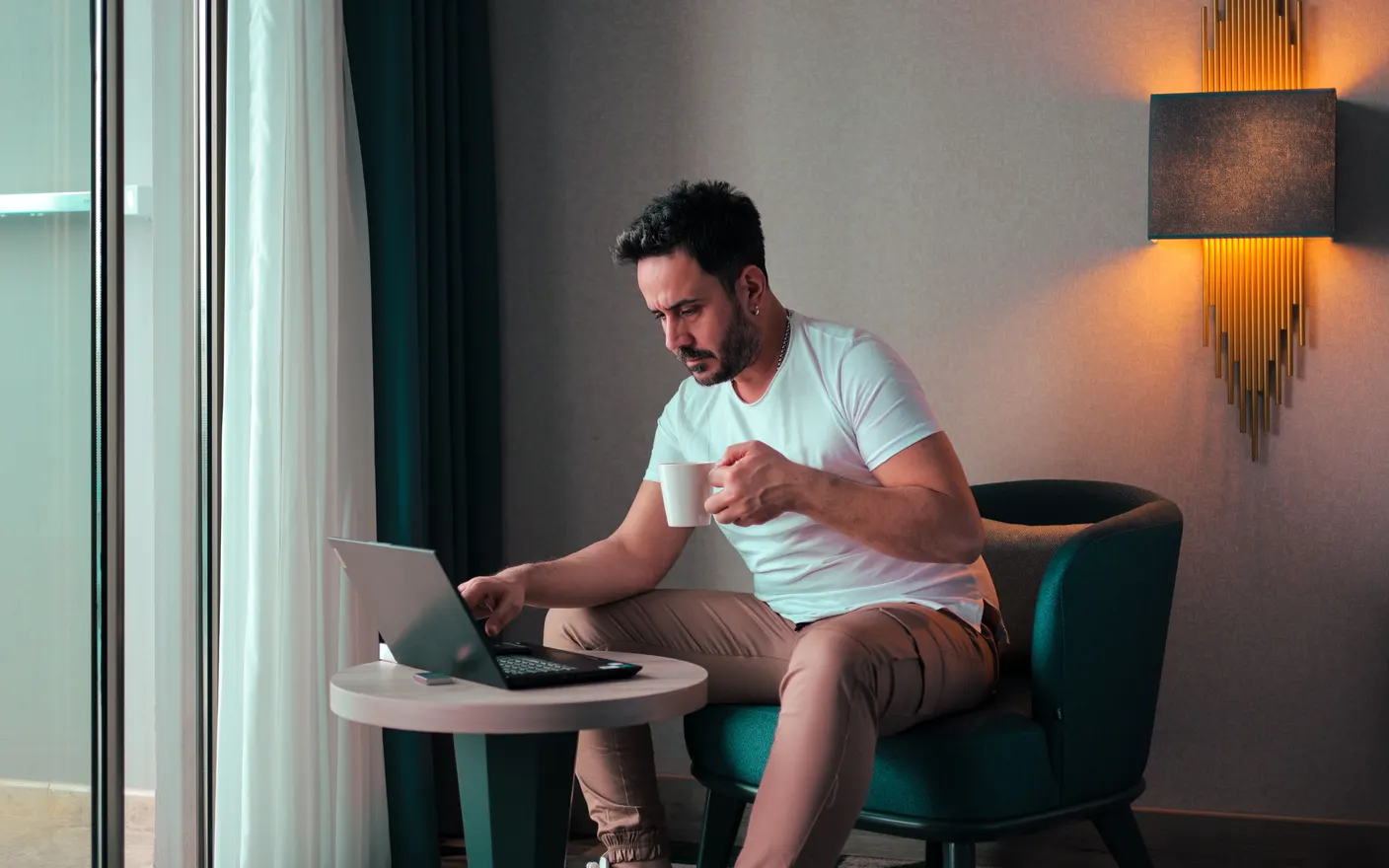
1. Raise the laptop 12–15 cm on the room's own props — books, the tray, the ironing board
A laptop flat on a desk puts the screen roughly 25–30 cm below eye level, which is the source of most travel neck pain. Almost every hotel room contains something to raise it: the room folder, a phone book, an upturned drawer, the breakfast tray. This only works with a separate keyboard, which is why a 300 g compact keyboard earns its space in the bag.
2. Roll a towel behind your lower back — hotel chairs aren't built for a six-hour day
Desk chairs in hotels are chosen to look tidy, not to hold a spine for six hours. A rolled bath towel at the small of your back restores the curve and takes two minutes. If the room only has an armchair, working from the desk while sitting on a firm cushion beats working from the bed, which is where most of a bad-back trip actually comes from.
3. Move the desk lamp in front of you — hotel lighting usually sits behind the seat
Hotel desks are usually lit from a sconce above and behind, which puts your own shadow on the keyboard and turns you into a silhouette on video calls. Unplugging the desk lamp and putting it in front, to one side, fixes both. If the lamp is fixed, use the bedside lamp on an extension, or open the curtain and face it.
4. Test tethering before the first call, not during it — hotel wifi degrades when the building fills up
Hotel wifi is contended, so it degrades when the building is full and everyone is in their room — typically early morning and evening rather than the middle of the day. Running one speed test on the room wifi and one on your phone hotspot when you arrive tells you which is the fallback. Knowing you have 8 Mbps of tethering in your pocket is the difference between a bad connection and a missed meeting.
5. Sit at 90° to the window, not facing or backing it — this fixes glare and camera exposure at once
Facing a window means glare on the screen all afternoon; backing it means the camera exposes for the window and you disappear. Sideways to it solves both, and gives you the one genuinely good light source in the room. This usually means turning the desk or working from a different surface, which nothing stops you doing.
6. Hang the do-not-disturb sign at the start of the day — housekeeping rounds collide with morning calls
Housekeeping rounds are typically mid-morning, which is when calls are. The sign is usually the only control you have over it, and most of the time that's enough. In an Airbnb the equivalent is confirming in advance whether anyone is coming — cleaners, gardeners, the host "just checking" — because nothing about the listing tells you.
7. Pack a 3-port charger and a 2 m cable — hotel sockets are rarely near the desk
The desk in a hotel room typically has one socket, occupied by the lamp, and the rest are behind the bed. A small multi-port USB-C charger plus a 2 m cable removes the daily puzzle and weighs under 200 g. Of the things you have to actually pack, this is the cheapest, and the one people most reliably regret leaving at home.
8. Work in 90-minute blocks with a walk between — unfamiliar rooms get stale fast
A hotel room has no second space to move to, so the day has no natural breaks at all. Booking the day as 90-minute blocks with a walk outside between them replaces the structure the room can't provide, and hotels are usually somewhere you can genuinely walk. This matters more on a five-day trip than on a one-nighter.
9. Turn the TV into a second monitor — many hotel TVs have an accessible HDMI port
Many hotel TVs have an HDMI input reachable on the side or back, and a 40 g HDMI cable turns it into a large secondary display for reference material or calls. It won't be colour-accurate and the resolution may cap at 1080p, but for a document you're reading from it's a genuine upgrade over a 13-inch screen. Some managed hotel TVs block external input; checking takes 30 seconds.
10. Carry your own background and sound — the room changes, the screen doesn't have to
The part of your working environment that can travel unchanged is the one on the screen. The same scene and the same background sound in a hotel in another timezone is a surprisingly effective continuity cue, and it also covers unfamiliar corridor and street noise. Tayu runs the same live scenes and ambient sound with your playlists intact, so the desk you sit at is the only thing that changed.

Tayu — a healthy rhythm for desk work
How to choose
- Your neck hurts by day two → raise the laptop and bring a keyboard. Nothing else fixes this.
- Your back hurts → rolled towel, and stop working from the bed.
- You look bad on calls → move the lamp in front of you and sit sideways to the window.
- The room feels alien → same scene, same sound, same playlist as at home. It's the only portable part.
A calmer live wallpaper for Mac
Tayu pairs 4K nature scenes with ambient sound, YouTube wallpapers, playlists, schedules, and AI scene switching for focused work and small breaks.